









































With update 1.93, trading between players in Rocket League will require 2FA in the Epic Games Store. See what 2FA is and how to enable it here.


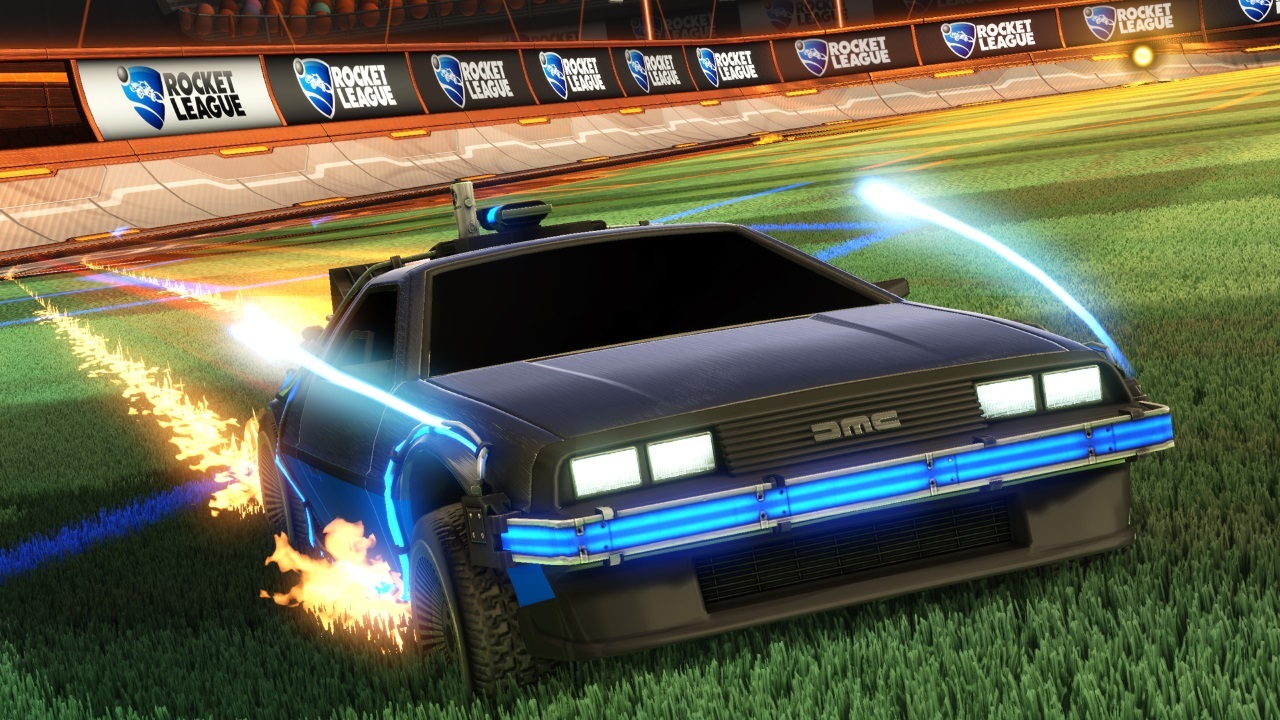
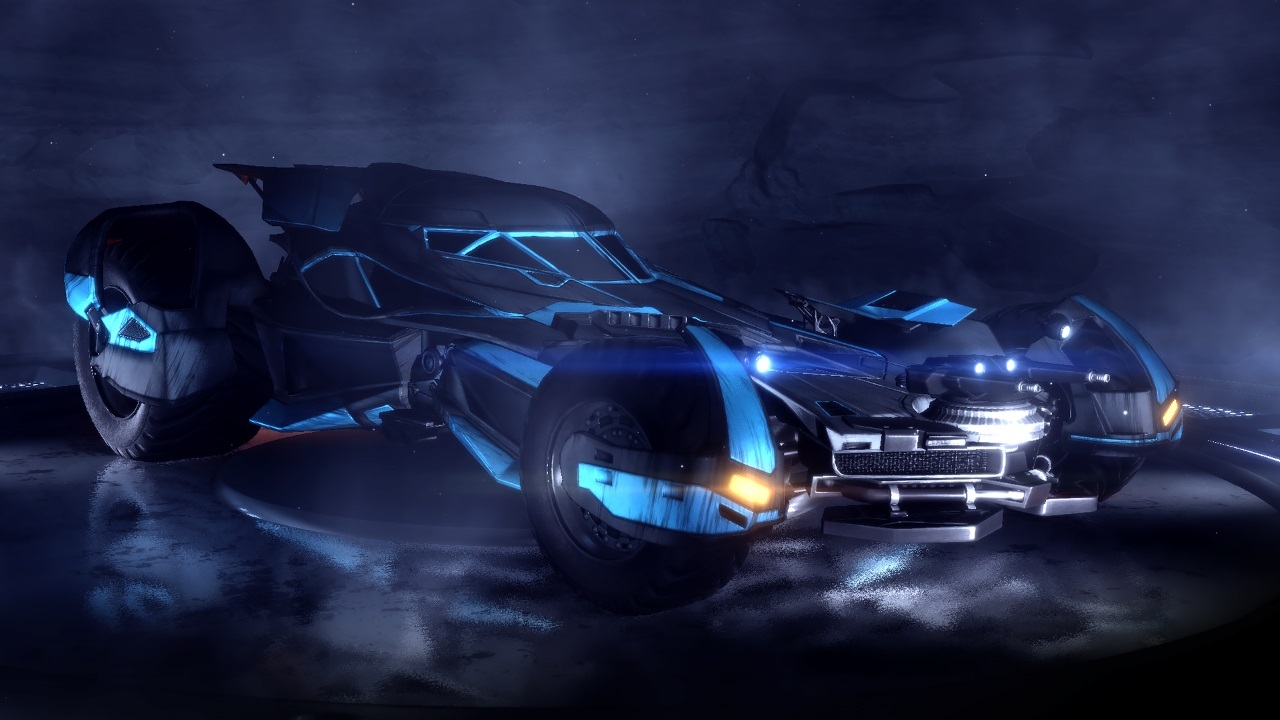
The Coolest Crossover Cars Rocket League Has to Offer
View gallery
Rocket League 2FA – What Is 2FA And How Do I Activate It In The Epic Games Store?
- First you need to log into your Epic Games Store Account on their website.
- In your account, go to the section Password & Security.
- Scroll down and you will see an area, reading in big letters TWO-FACTOR AUTHENTICATION. Here you can choose, which form of 2FA you want to use: Email, SMS or an athenticator app.
Et Voila, that's it! You now have 2FA activated in the Epic Games Store and can go back to player-to-player trading in Rocket League. Enjoy!
READ MORE:
- Valorant’s Celestial and Anime Skins Are Coming Out Today!
- Black Ops Cold War Season 2 Leaks & Release Date [Update]
- Dota 2 Gets Its Own Animated Series With DOTA: Dragon’s Blood
- Microsoft Testing xCloud Browser Streaming for Xbox Game Pass
Folks, let’s be real here: Nobody likes ads, everybody likes raffles and we all wanna feel special. Right? Sign up for MyEarlyGame and you get just that: No ads, the content you wanna see & a chance to win free stuff. No brainer, really.